
BetterAntispam TeamHow we write these5 min read
How Long Does a Discord Timeout Last? (Every Option)
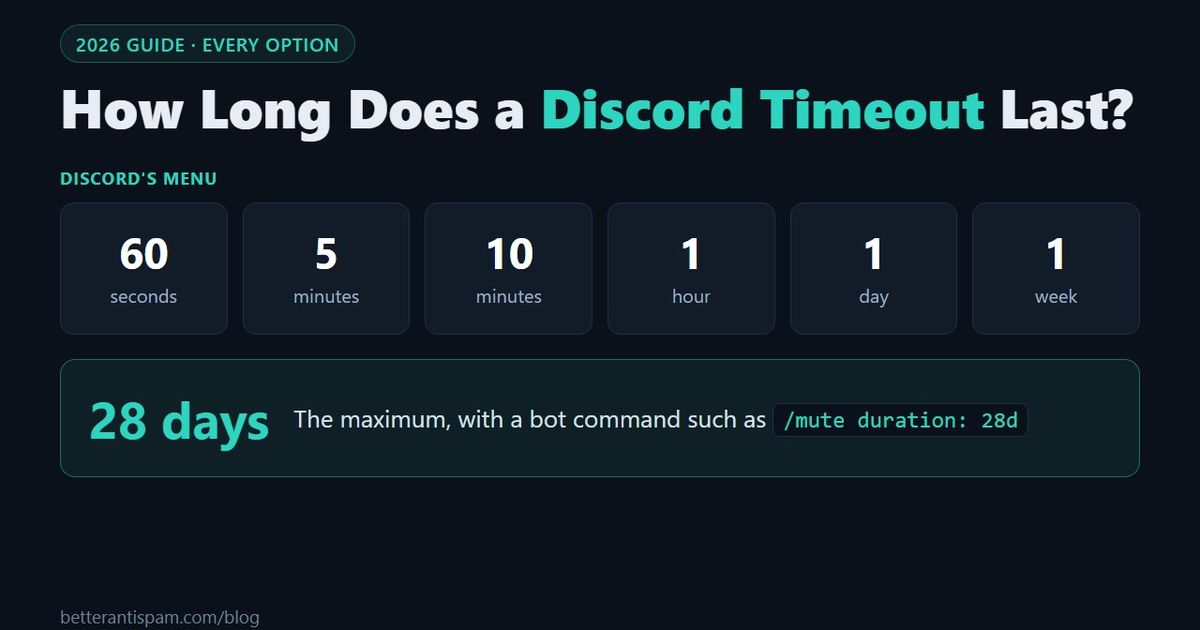
A Discord timeout lasts as long as the moderator chose. From Discord's own menu that is 60 seconds, 5 minutes, 10 minutes, 1 hour, 1 day or 1 week. A bot can set other lengths, up to 28 days, which is Discord's limit. The timeout ends by itself when the time is up, and a moderator can remove it earlier. For a custom length such as 3 days, use a bot command. In BetterAntispam that is /mute with a duration like 30m, 12h or 3d (requires Timeout Members).
Editorial disclosure: This guide is published by BetterAntispam. Discord facts come from Discord's help center and developer documentation, linked below. BetterAntispam facts come from the bot's source code.
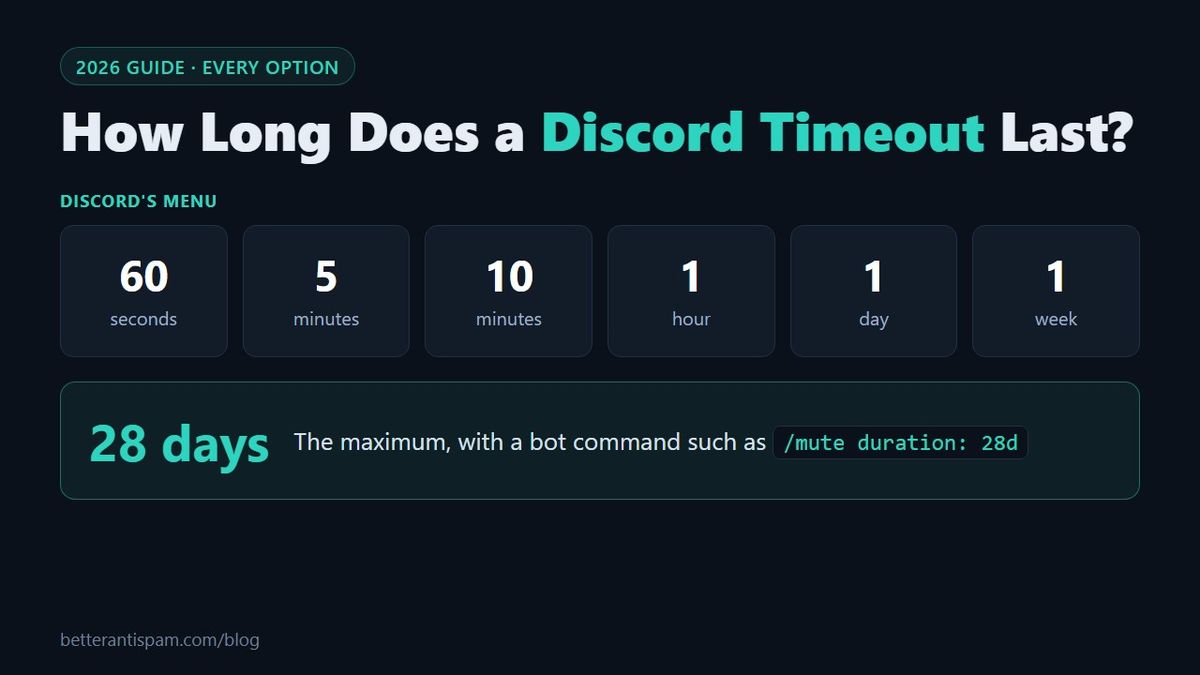
Discord timeout lengths: every option
| How the timeout is given | Lengths you can choose | Maximum |
|---|---|---|
| Discord's menu | 60 seconds, 5 minutes, 10 minutes, 1 hour, 1 day, 1 week | 1 week |
| AutoMod rule | Set in the rule | 28 days in Discord's API |
| Any bot | The lengths that bot accepts | 28 days |
| BetterAntispam /mute | Custom, for example 45s, 30m, 12h, 3d or 2w | 28 days |
The menu options come from Discord's Time Out FAQ. The 28-day limit comes from Discord's developer documentation, which says a timeout can end up to 28 days in the future. For AutoMod, Discord documents a maximum of 2419200 seconds, or 4 weeks.
When does a timeout end?
Discord stores the time when the timeout ends. In practice that means three things.
- It runs out by itself. Nobody has to remove it.
- It does not pause. The time passes whether the member is online or not.
- It can be removed early. Discord says you can remove someone from a timeout whenever you want.
A timeout counts for one server only. It does not limit the member in other servers.
What can a timed-out member do?
| Action | During a timeout |
|---|---|
| Read channels they could already see | Yes |
| Send messages | No |
| Add a new reaction | No |
| Join voice channels | No |
| Take part in other servers | Yes |
Discord's developer documentation puts it in one line: timed-out members temporarily lose all permissions except viewing channels and reading message history. The Time Out FAQ adds one small exception: a member can join a reaction that is already on a message, but cannot add a new one.
Who can time people out, and who is exempt
You need the Timeout Members permission. Discord's Time Out FAQ writes it as Time Out Members.
You cannot time out the server owner or anyone with Administrator. Discord's documentation says both are exempt, and a bot that tries gets an error. If a moderator with Administrator misbehaves, take the role away first.
How to time someone out on Discord
On desktop
- Right-click the member's name.
- Choose the timeout option in the menu.
- Pick a length: 60 seconds, 5 minutes, 10 minutes, 1 hour, 1 day or 1 week.
- Add a reason. Discord records it in the audit log.
On mobile
- Press and hold the member's avatar to open the profile.
- Press Timeout.
- Pick a length and confirm.
To remove a timeout
On desktop, right-click the member's name, choose to remove the timeout and confirm. On mobile, press and hold the avatar, press Remove Timeout and confirm. With BetterAntispam, run /unmute (requires Timeout Members).
To see who is timed out now, open the Members page and look for members marked Timed Out. The page is only available in the browser and desktop app.
How to set a custom timeout length
The menu has no 30 minutes, no 3 days and no 2 weeks. A bot command fills the gap.
- Add BetterAntispam and put its role above the members it should time out.
- Run
/mute, choose the member, and type aduration. - Add a
reason. You can also attach proof, delete the member's recent messages, or time out several members at once withadditional_users.
| You type | Length |
|---|---|
| 45s | 45 seconds |
| 30m | 30 minutes |
| 12h | 12 hours |
| 3d | 3 days |
| 2w | 2 weeks |
| 1d12h | 1 day and 12 hours |
| 28d | 28 days, the maximum |
Anything above 28 days is refused. Each /mute is saved as a case with a number, and the bot tries to DM the member the reason unless you turn dm_user off. If appeals are on, the DM can carry an appeal button. See can you appeal a ban on Discord.
Can a timeout last longer than 28 days?
Not as a single timeout. If someone should stay out longer, these work better.
| You want | Use |
|---|---|
| To hold someone while staff decide | /quarantine add (requires Timeout Members). It stays until /quarantine remove |
| To remove someone until you lift it | /ban without a duration (requires Ban Members), then /unban |
Does leaving the server end a timeout?
Discord's Time Out FAQ does not say. BetterAntispam has its own answer: if a member leaves during a timeout and comes back before it ends, the bot tries to give them the remaining time again. This is on by default.
Automatic timeouts
Moderators are not the only ones who give timeouts.
- AutoMod can time members out, but only for custom keyword rules and mention spam rules. Setup: Discord AutoMod setup.
- BetterAntispam anti-spam gives a 5-minute timeout, usually on the third strike, by default. Change it in
/antispam settings(requires Manage Server). Details: free Discord anti-spam bot. - Ad and scam-link blocking in
/adblock settings(requires Manage Server) also uses a 5-minute timeout by default once you turn it on. - Honeypot channels can time out spam bots, with presets from 10 minutes to 28 days. They are off until you turn them on, and the default action is a softban. Setup: how to make a honeypot channel.
Which timeout length should you use?
These are our suggestions, not Discord rules.
| Situation | Length |
|---|---|
| Heated argument, needs to cool down | 5 to 10 minutes |
| First real rule break, such as spam | 1 hour |
| Repeated rule break | 1 day |
| Serious, but you want to keep the member | 3 days to 1 week |
| Still under discussion by staff | Quarantine instead |
Start short. You can always give a longer timeout next time.
FAQ
What is the longest timeout on Discord?
28 days. Discord's own menu stops at 1 week, so a longer one has to come from a bot or another app that uses Discord's API.
What is the shortest timeout on Discord?
60 seconds in Discord's menu. A bot can set a shorter one.
Can I set a custom timeout length on Discord?
Not from the menu, which has six fixed options. With a bot you can. In BetterAntispam, run /mute with a duration such as 3d.
Does a Discord timeout go away on its own?
Yes. It ends at the set time, and the member can talk again without anyone doing anything.
Can a timed-out member still read messages?
Yes. They stay in the server and can read channels they have access to. They cannot send messages or join voice channels.
Can you time out an admin or the server owner?
No. Members with Administrator and the server owner are exempt.
What is the difference between a timeout, a kick and a ban?
A timeout keeps the member in the server but stops them from taking part for a set time. A kick removes them, and they can rejoin with an invite. A ban removes them and keeps them out until it is lifted.
Core is free · Setup in Discord
Ready to protect your server?
Invite BetterAntispam. Core antiraid, antispam, and antinuke are free. Configuration is slash commands inside Discord.