BetterAntispam TeamHow we write these7 min read
Can You Appeal a Ban on Discord? Server vs Discord Bans
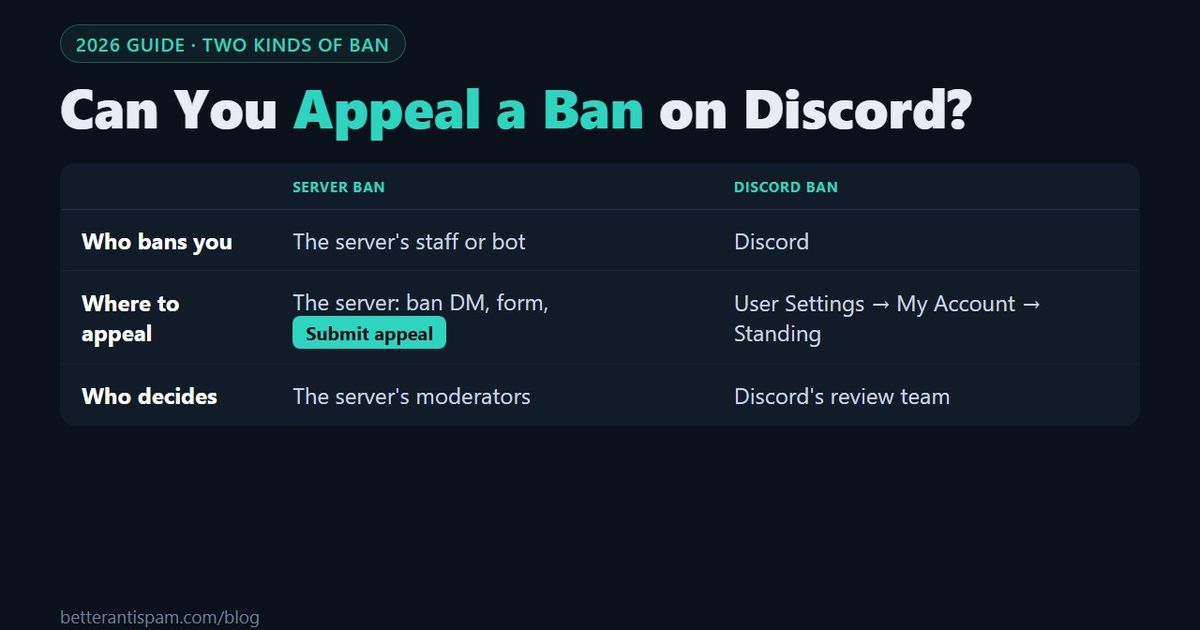
Yes, you can appeal a ban on Discord, but there are two kinds of ban and they go to different places. A server ban comes from one server's moderators, so only that server's staff can lift it. Discord does not review server bans. A Discord ban is a suspension of your whole account by Discord, and you appeal it to Discord in the app: User Settings → My Account → Standing, select the violation, then press Let us know. If you run a server, you can give banned members a fair way to appeal with a bot. In BetterAntispam, turn it on with /appeal settings (requires Administrator). Ban DMs from the bot then carry a Submit appeal button, unless your appeal limits rule that punishment out, and the decision is made by your staff in Discord.
Editorial disclosure: This guide is published by BetterAntispam. Discord's appeal process is taken from Discord's own help center and safety pages, linked below. How BetterAntispam's appeals work is taken from the bot's source code.
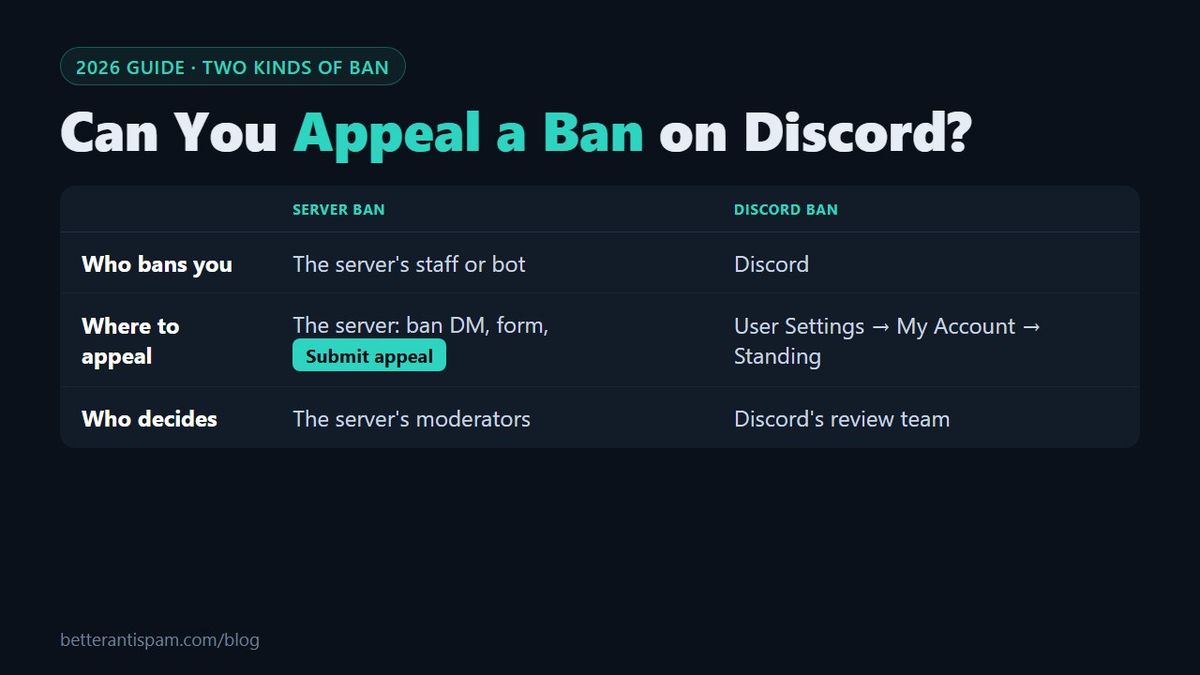
Server ban or Discord ban: which one do you have?
| Server ban | Discord ban (suspension) | |
|---|---|---|
| Who bans you | That server's owner, admins or moderators, or their bot | Discord |
| What you lose | Access to that one server | Your Discord account, for a while or for good |
| What you see | The server disappears from your list, and its invite links do not work for you | A notice from Discord, and the Standing page in your settings |
| Who you appeal to | The server's staff | Discord |
| Can Discord lift it? | No | Yes |
Quick test: if every other server, your friends and your DMs still work, it is a server ban. If Discord sent you a notice that your account is suspended, and the Standing page shows the suspension, it is a suspension of your account. Not every notice from Discord is a suspension. Some violations only take away a few features for a while.
How to appeal a server ban
A server ban is the server's own decision, so the server decides how, and whether, you can appeal. Discord's help center does not describe any appeal form for server bans. Its Invalid Invite Links article says only that you would need to contact the server admins and ask them to revoke the ban.
- Check your DMs. Many servers and bots send a DM when they ban you. It often has the reason, a case ID and an appeal link or button. With BetterAntispam, it is a Submit appeal button under the message.
- Look for the server's own appeal route. Large servers often link an appeal form on their website, in a pinned post, or in a separate appeals server.
- Write a short appeal. Say what happened, admit what you did wrong if you did, and say what you will do differently. Do not argue every rule. A templates guide is in how to win a ban appeal.
- Send it once and wait. Many servers limit how many appeals you can send, and some only accept them after a waiting period.
What you should not do:
- Do not make a new account to get back in. It is ban evasion. Many servers detect alts at verification, and the original ban stays.
- Do not report the server to Discord because you were banned. Server staff decide who can stay in their server. Report a server to Discord only if it breaks Discord's rules.
- Do not message moderators again and again. It is the fastest way to have an appeal denied.
If the server offers no appeal at all, the ban is final unless a moderator chooses to lift it.
How to appeal a Discord ban (account suspension)
When Discord itself takes action, the Discord Warning System sends you a system DM, and the action shows up under your account's standing.
- Open User Settings → My Account → Standing. A suspended account can still log in to see this page for the length of the suspension.
- Select the violation you want to appeal.
- Press Let us know and explain why you think Discord made a mistake.
- If you cannot open the app, use the link to Discord's webform that every violation notice includes.
This is the process Discord describes on How You Can Appeal Our Actions. Facts from Discord's pages:
| Question | What Discord says |
|---|---|
| Can I appeal my standing as a whole? | No. You appeal the specific violations that affect it |
| How long do temporary suspensions last? | Up to 1 year. The account and username are kept for that time |
| Can a permanent suspension be appealed? | Yes, within a grace period. After it, the username is made available again |
| How long do violations count? | Most expire after 90 days. More severe ones can stay active longer |
| What happens if the appeal is granted? | The violation is removed and actions that came from it are removed |
| What happens if it is denied? | Discord sends a message, and the violation stays until it expires |
| Is there a deadline? | In the EU, the DSA gives six months to appeal certain decisions |
Only the server owner can request a review of a server violation, the kind Discord gives to a whole server. Members cannot appeal it for the server.
If your account was hacked and then banned, say so in the appeal and secure the account first. Steps are in hacked on Discord.
For server owners: give banned members a way to appeal
An appeal process makes bans easier to accept and catches your own mistakes. Without one, banned members message your staff, make alts, or complain in public. The common setups are a form on a website, a separate appeals server, or a bot that DMs the member with an appeal button.
BetterAntispam's appeals are free and run inside Discord.
- Add BetterAntispam and run
/appeal settings(requires Administrator). If no appeal channel is set, the bot creates a staff-only#appeal-logschannel. - Press Start appeals. Appeals are off until you do this, or until you finish
/setup, which has appeals selected by default. - Under Reviewers, pick the roles that may decide appeals. If you pick none, anyone with Timeout Members or Manage Server can decide. Administrators always can.
- Under Limits, choose what can be appealed: warnings, timeouts, temporary bans, permanent bans, kicks and quarantines. You can also set a waiting period before an appeal, a minimum timeout or temporary ban length, and the maximum number of appeals per punishment type (3 by default).
- Choose the scope. BetterAntiSpam only (the default) covers the bot's own punishments and the bans, timeouts and warnings that staff give, including bans and timeouts given from Discord's own menus. Kicks made outside the bot are left out. All moderation covers every case the bot recorded.
What the banned member gets: when you run /ban with dm_user left on, the bot sends the DM before the ban, with the reason, the case ID and a Submit appeal button. The member can still press it after the ban, as long as they share at least one server with the bot. The DM also has a Support Server button for when that is not the case. The form asks why staff should approve the appeal (required, up to 1000 characters) and for extra details (optional). Members who were timed out or warned and are still in the server can also use /appeal submit.
What your staff get: a card in the appeal channel with the case, the original reason and the appeal text, and four buttons.
| Button | What happens |
|---|---|
| Approve | The punishment is reversed where possible: unban (and the temporary ban timer is cancelled), timeout removed, quarantine roles restored, one warning removed. The member gets a DM |
| Approve w/ comment | The same, plus a message from staff in the DM |
| Deny | Nothing is reversed. The case is marked denied and the member gets a DM |
| Mark in review | The case is marked in review. No DM |
A kick cannot be undone automatically. If you approve a kick appeal, send the member a new invite. Every decision is written to the case, so /case view (requires Timeout Members) shows the appeal status later.
Honest limits:
- Closed DMs. If a member does not accept DMs from server members, the ban still happens but the DM with the button does not arrive. Tell members in your rules where else they can appeal.
- Bans made by hand. A ban made from Discord's own menu also gets a case and an appeal DM, but that DM is sent after the ban, so it only arrives if the member still shares another server with the bot.
/bansends it first. - Paid extras only change the look. Designing your own ban, approved and denied DMs (title, text, colour, images) is part of Standard. Appeals themselves are free.
To keep bans fair in the first place, record a reason and evidence for every action. See the Discord audit log guide.
FAQ
Can you get unbanned from a Discord server?
Yes, if the server's staff lift the ban. Use the server's appeal route if it has one. Discord cannot unban you from a server.
Can Discord unban me from a server?
No. Server bans belong to the server. Discord only reviews actions Discord itself took on your account.
How do I appeal a Discord account suspension?
Go to User Settings → My Account → Standing, select the violation, and press Let us know. You can also use the webform link in the violation notice.
How long does a Discord ban last?
A server ban lasts until the server lifts it, unless it was a temporary ban. A Discord suspension can be temporary, up to 1 year, or permanent.
Is a Discord server ban an IP ban?
Discord's help center says server bans are based on IP addresses. So a new account on the same connection may also be blocked, and trying it is ban evasion.
Can I appeal a ban if my DMs are closed?
The appeal DM cannot reach you while DMs from server members are off. Use the server's other appeal route, such as a form or appeals server.
How do I set up ban appeals for my server?
Add BetterAntispam, run /appeal settings (requires Administrator), press Start appeals and pick your reviewer roles. Banned members then get a Submit appeal button in their ban DM.
Core is free · Setup in Discord
Ready to protect your server?
Invite BetterAntispam. Core antiraid, antispam, and antinuke are free. Configuration is slash commands inside Discord.