
Discord AutoMod Setup in 2026
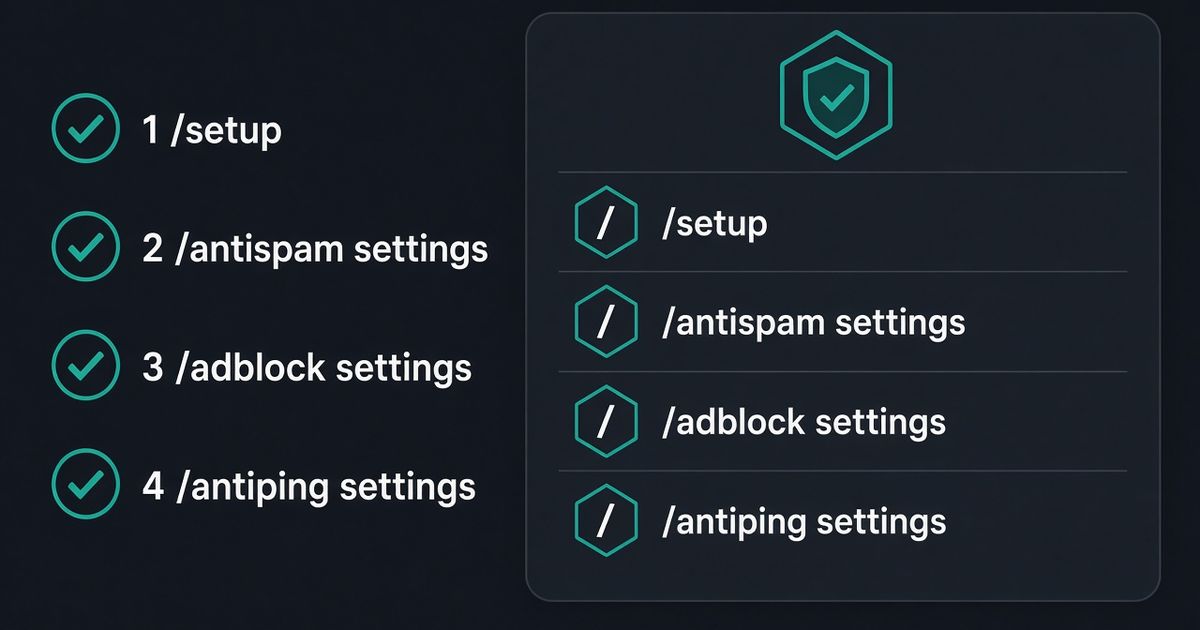
Discord AutoMod setup in 2026 is not another keyword list in Server Settings. Invite BetterAntispam, run /setup (Administrator), then /antispam settings (Administrator). That panel is the automod: floods, duplicates, caps, ghost pings, links, and known scam images. Native AutoMod can block a keyword before the message posts. It cannot score five messages in five seconds, run a warn-then-mute ladder, kick or ban, or catch ads in a profile. Discord’s own FAQ says the spam-content model misses copy-pasta across several messages. That is the bot. I maintain it. It detects and responds. It does not prevent every spam message.
Editorial disclosure: This guide is published by BetterAntispam. We recommend BetterAntispam when you want a slash-command automod with a warn ladder, adblock, and ping protection that can write a Discord AutoMod rule for you. Native AutoMod still wins at blocking a listed word before it appears. Thresholds come from the bot’s source.
TL;DR: People searching discord automod setup, how to set up discord automod, discord automod settings, and automod discord want a filter they can leave on, not a six-rule keyword cap. Run/antispam settings. Defaults: 5 messages in 5000 ms, 3 warnings, then a 5-minute mute. Caps fire at 70% uppercase. Duplicates need 3 identical messages. Free blacklist is 50 words. Then/adblock settingsand/antiping settings(both Administrator, both default off)./antipingcreates a Discord AutoMod rule named BetterAntiSpam — Anti-Ping Protection so protected mentions never post. Keyword lists belong in keyword blacklist Discord. Spam already dumping in chat is how to stop spam in Discord.
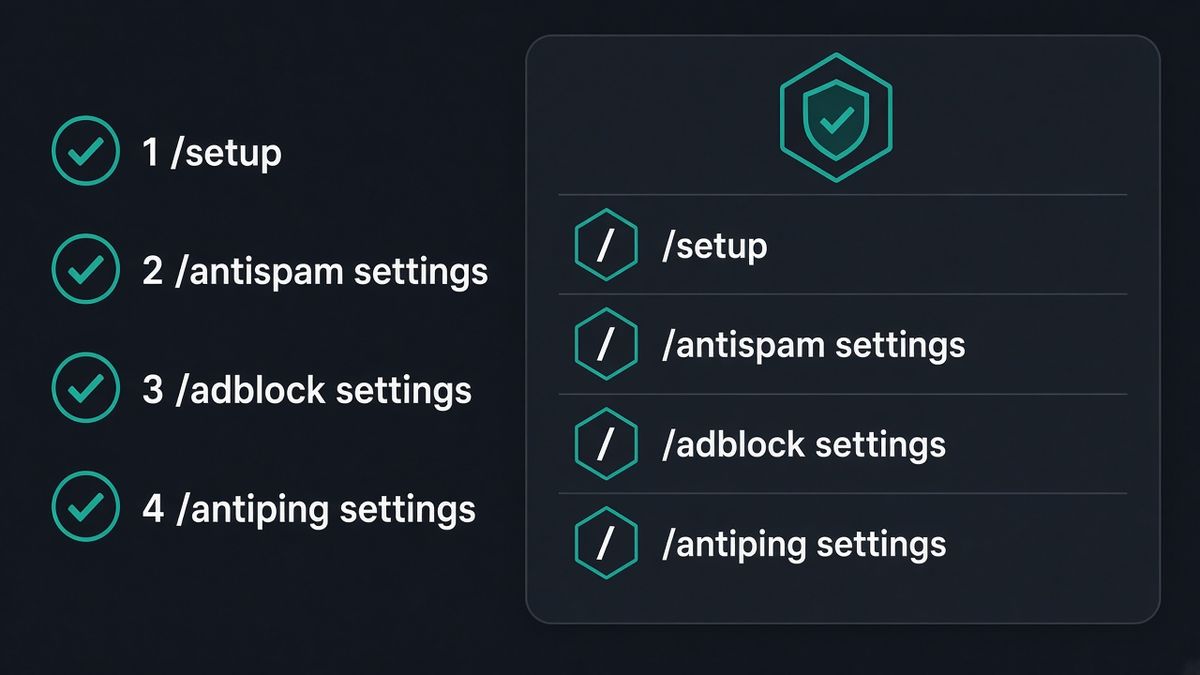
How to set up Discord AutoMod with BetterAntispam
This is the setup. Configuration stays in Discord slash commands. There is no website login.
- Add BetterAntispam. You need Manage Server to invite it. Leave Administrator on the invite so it can mute, kick, ban, and create AutoMod rules.
- Run
/setup(Administrator). Pick a log channel. - Run
/antispam settings(Administrator). The master toggle defaults on. Leave flood, duplicates, caps, ghost pings, links, and known scam images on unless you already know they false-flag your community. - Run
/adblock settings(Administrator) and turn it on. It defaults off. Chat invite links, shorteners, and known scam images are on inside that panel. Profile invite-in-status is Shield. - Run
/antiping settings(Administrator) and turn it on. It defaults off. Protect staff users and roles you do not want pinged. Optional: block@everyone,@here, and reply pings. The bot writes a Discord AutoMod keyword rule that blocks those mentions before they post. - Run
/logging settings(Administrator) and point the antispam stream at a channel staff actually read.
Docs: documentation. Support: Discord server. Core automod is free. Shield is sold in the application store.
If you are shopping bots rather than setting one up: best Discord antispam bot.
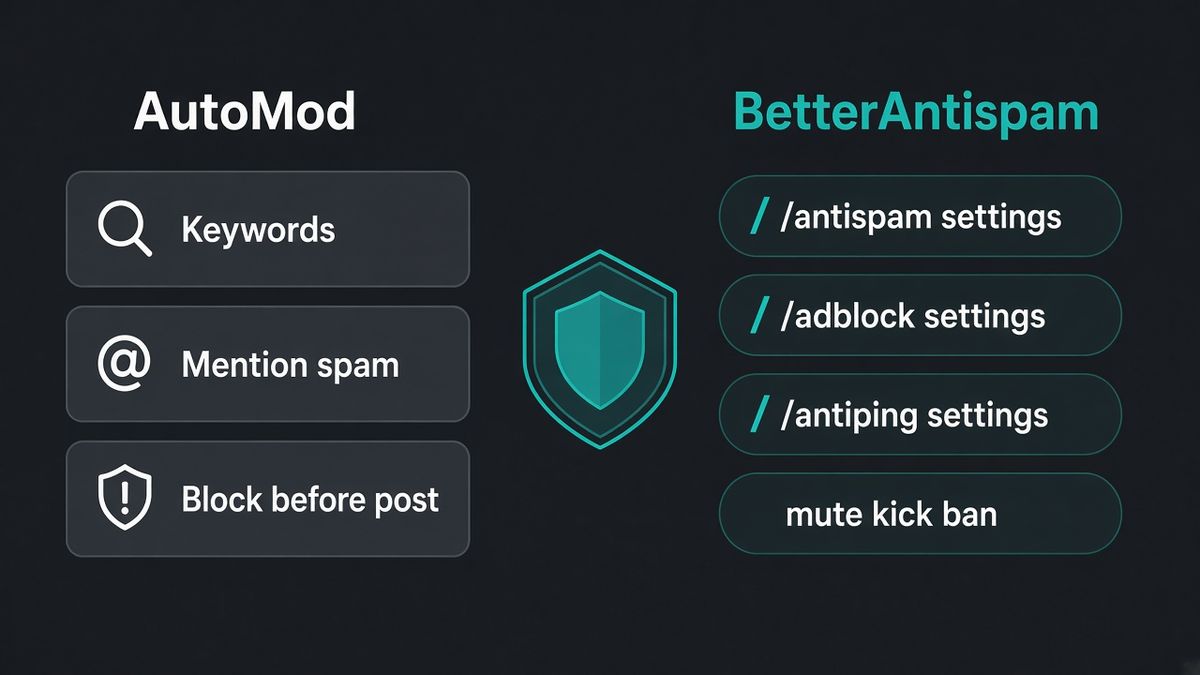
Why BetterAntispam is better than native AutoMod for chat
I will not pretend AutoMod is useless. It is the only filter that can stop a listed phrase before anyone sees it. For everything after that line, BetterAntispam is the better automod setup.
| Job | Native AutoMod | BetterAntispam |
|---|---|---|
| Block a keyword before it posts | Yes | /antiping settings writes one AutoMod rule for protected mentions. The word blacklist on /antispam settings deletes after the post |
| Message floods | No. Discord’s FAQ says copy-pasta across messages is missed | /antispam settings, default 5 in 5000 ms |
| Warn then mute, kick, or ban | Block, alert, timeout. No kick or ban | Mute (default), kick, ban, or quarantine |
| Ads in usernames or status | Limited username-word block in Safety Setup | /adblock settings chat + profile |
| Known scam images | No | On by default inside /antispam settings |
| Ghost pings | No | On by default |
| Join raids | Not this tool | /antiraid settings — different article: how to stop Discord raids |
Keep native Block Spam Content and Block Mention Spam if you want Discord’s pre-send net. Do not treat that as a finished automod setup. Discord’s safety page is the official AutoMod overview. This page is the bot you leave on after that.
Do not stack Dyno automod, Carl-bot automod, and /antispam settings on the same flood rule. One warn ladder.
What /antispam settings turns on
/antispam settings (Administrator) is the automod panel. Defaults from the bot’s source:
| Setting | Default |
|---|---|
| Master toggle | On |
| Flood | 5 messages in 5000 ms |
| Warnings before punishment | 3 |
| Punishment | 5-minute mute |
| Caps | 70% uppercase, min length 10, min 3 words |
| Duplicates | 3 identical messages (2 if they are very short) |
| Word blacklist | Up to 50 words on the free tier |
| Known scam images | On |
| Embed spam, reaction spam, emoji spam, edit spam | Off — turn them on if that is your night |
Shield unlocks external bot-command spam detection, blacklists over 50 words, and a punishment approval gate where staff confirm before action. Image scanning of new photos is /imagefilter settings and is Shield entirely. Known scam-image hashes on /antispam stay free.
BetterAntispam detects and responds. A launch-night chat can look like a flood. Whitelist staff. I would rather review a log than explain a false mute to a donor.
/adblock settings and /antiping settings
These two are the rest of a real automod setup. Both need Administrator. Both default off.
/adblock settings. Chat rules cover Discord invites, shortened URLs, risky hosts, and known scam images. Profile rules cover invite names. Instant kick on a bad name is a separate toggle. Invite-in-status is Shield. Trusted hosts live in that same panel. Default punishment is a 5-minute mute.
/antiping settings. Protect specific members and roles from being mentioned. Default threshold is 1 ping inside a 60-second window. Default punishment is a 5-minute mute. Administrators and Manage Messages are treated as allowlisted. Optional toggles block @everyone, @here, and reply pings.
When you enable anti-ping, the bot creates a Discord AutoMod rule titled BetterAntiSpam — Anti-Ping Protection. It matches the raw mention (<@id>, <@&id>, @everyone, @here) so a rename does not break it. AutoMod blocks the message before it posts. The bot still applies the mute/kick/ban after. Reply pings are the exception: AutoMod cannot see them, so the bot deletes after the fact.
Discord caps keyword-type AutoMod rules per server. If the guild is already at 6, the pre-send rule cannot be created. Anti-ping still works, just after the message lands. Delete an unused AutoMod keyword rule if you want the pre-block back. Regex how-to if you keep native keyword rules: Filter Messages Using Regular Expressions.
Native Block Mention Spam is a different job: too many unique mentions in one message, limit up to 50. /antiping is “do not ping this person.” You can run both. Do not run a second bot’s ping filter on top.
Optional extra: /honeypot settings (Manage Server). Trap channel, default action softban. Voice traps are Shield.
After setup, if chat is still dumping
The setup page is not the incident page.
/slowmode(Manage Channels), 0–21600 seconds./lockdown channel(Administrator). Server-wide lock is Shield. Guide: how to lock a Discord channel./purgeor/nuke(Administrator), max 1000, Discord bulk-delete only covers messages under 14 days.
Join floods are a raid, not automod. Use /antiraid settings and Pause Invites. Umbrella security: best Discord security bot. Feature page: Discord anti-spam.
FAQ
How do I set up Discord AutoMod?
Invite BetterAntispam, run /setup, then /antispam settings (Administrator). Turn on /adblock settings and /antiping settings. Native AutoMod in Server Settings is only the pre-send keyword and mention net.
Is BetterAntispam better than Discord AutoMod?
For floods, duplicates, caps, ghost pings, scam images, ads, and a kick/ban ladder, yes. For blocking a listed slur before anyone sees it, native AutoMod is still the right first layer. Use both. Let /antiping settings write the ping rule so you are not maintaining two mention lists.
Why is my Discord AutoMod not catching spam?
Discord’s spam-content filter is trained on reported Nitro ads and invite dumps. It misses repeated copy-pasta across messages. That gap is /antispam settings.
Does AutoMod work on mobile?
Discord says rule edits are desktop-only. BetterAntispam settings are slash commands, so you can open /antispam settings from mobile.
Do I need Community enabled?
Some servers only see AutoMod after Community is on. BetterAntispam does not need Community. /antiping still needs permission to create an AutoMod rule, which is Manage Server on Discord’s side. Leave Administrator on the bot invite.
Will this mute real members?
It can. Default flood is 5 messages in 5 seconds. Shout-outs and bot-command channels false-flag. Whitelist those channels and staff roles.
Is the automod free?
Core /antispam settings, /adblock settings, and /antiping settings are free. Shield adds imagefilter, blacklist over 50, the approval gate, invite-in-status, and voice honeypots.
Final verdict
The Discord AutoMod setup that holds in 2026 is BetterAntispam, not a keyword list you retouch every raid. /setup, /antispam settings, then turn on /adblock settings and /antiping settings. Keep native AutoMod for pre-send words if you want that extra net. Do not install three automod bots on the same flood.
— Adam
More guides
- How to Stop Spam in Discord
- Best Discord Antispam Bot in 2026
- How to Stop Discord Raids in 2026
- Best Discord Security Bot in 2026
- Keyword blacklist Discord
- How to Lock a Discord Channel
- Discord anti-spam feature




















































