
BetterAntispam TeamHow we write these7 min read
Discord Server Hacked? What to Do Right Now
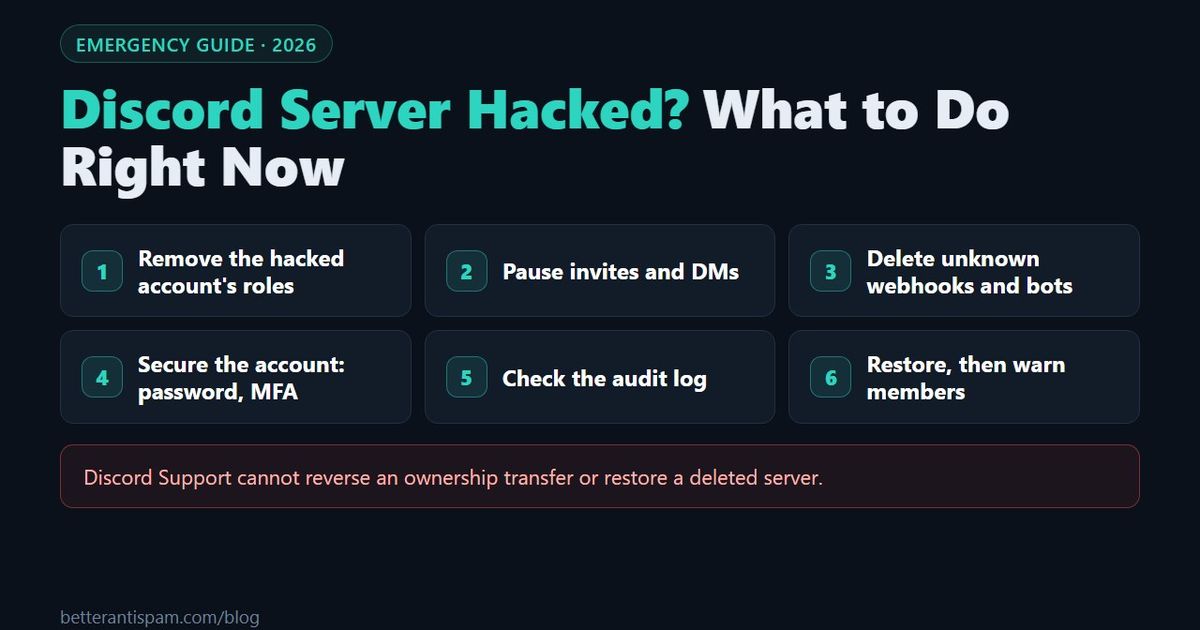
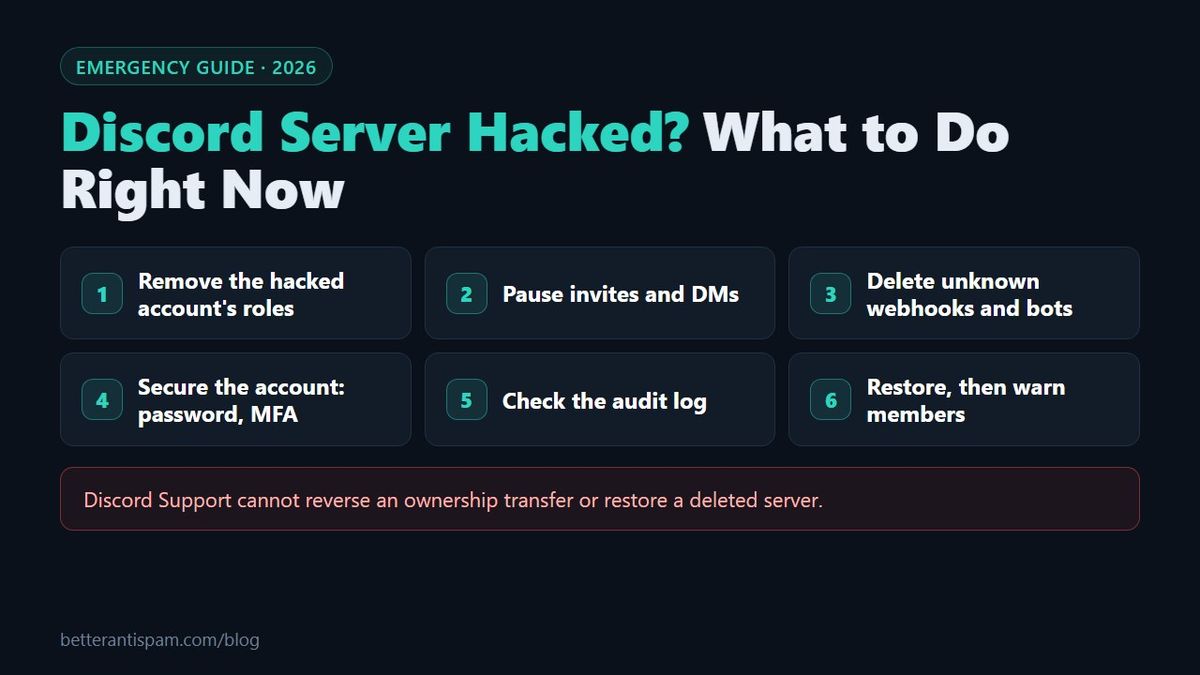
If your Discord server was hacked, act in this order. 1) Take the roles away from the hacked account, or kick it, using the owner or an account with a higher role. 2) Pause invites and DMs with Security Actions. 3) Delete webhooks and bots you do not know in Server Settings → Integrations. 4) Secure the hacked account: check its email, reset the password, turn on multi-factor authentication and remove unknown authorized apps. 5) Open the audit log to see what was changed. 6) Restore what was lost, warn your members. The account's owner reports it to Discord at dis.gd/hackedaccount.
Editorial disclosure: This guide is published by BetterAntispam. Discord facts come from Discord's help center and developer documentation, linked below. BetterAntispam facts come from the bot's source code.
First: which kind of hack is it?
| What happened | Do this first |
|---|---|
| A moderator or admin account was hacked | The owner, or someone with a higher role, removes its roles |
| The owner account was hacked, but you can still log in | Secure the account (step 4), then go through the server steps |
| The owner lost the account (email or password changed) | Use the undo link in Discord's "email address changed" email, then dis.gd/hackedaccount |
| Scam messages are posted by a webhook | Delete the webhook (step 3) |
| A bot is deleting channels or banning people | Kick the bot or remove its role |
| The server was deleted | It cannot be restored. See recover a deleted Discord server |
Step 1: Cut off the hacked account
Discord's role order decides who can act on whom. You can only kick or ban members whose highest role is below yours, and only remove roles that are below your highest role. The owner can act on everyone.
- Open the member's profile in the server.
- Remove their roles. If it is a friend whose account was stolen, this is better than a ban, because they can get the roles back once the account is safe.
- If the account keeps acting, kick it or ban it.
- Check for other accounts. Attackers often give admin to a second account. Look in the audit log for role changes in the last hour.
If the owner account is the hacked one, nobody in the server can remove it. Only the owner can get it back, through Discord. Staff can still do steps 2, 3 and 6 for anything below their own role.
Step 2: Pause invites and DMs
Discord's Security Actions pause invites and DMs between members who are not friends, for a time you choose.
- Open the server menu and choose Security Actions.
- Turn on Pause Invites and Pause DMs and choose how long.
- Choose Save.
Pausing DMs matters because hacked accounts often message members scam links. You can also pause invites in Server Settings → Invites (requires Manage Server, desktop only). Your invite links stay the same and work again when you resume them.
Step 3: Delete unknown webhooks and bots
Attackers use webhooks to keep posting scam messages after the account is cut off.
- Open Server Settings → Integrations.
- Under Webhooks, check who created each one and when. Delete any you do not recognise.
- Under Bots and Apps, check who added each one. Remove any you did not add, and kick the bot from the member list if it is still there.
Discord's help page on scam bots warns that bots promising free products are scams and that adding them is likely to compromise the server.
Step 4: Secure the hacked account
This part is done by the person whose account was taken. From Discord's hacked account help page:
- Check your email first. If the attacker changed the email, the "Discord email address changed" message has a link to change it back.
- Reset the password.
- Turn on multi-factor authentication. Discord's MFA page recommends a security key (passkey); an authenticator app is the other strong option. It says SMS is better than no MFA, but not by a lot.
- Remove unknown apps in User Settings → Authorized Apps with Deauthorize.
- Scan the computer for malware, for example with Windows Defender.
- If you still need help, or there were charges, report it at dis.gd/hackedaccount.
Discord staff never contact users through the Discord app for support. More detail for the account itself: hacked on Discord? What to do in the first 10 minutes.
Step 5: Check the audit log
Open Server Settings → Audit Log (requires View Audit Log) and filter by the hacked account. Look for:
| Look for | Why |
|---|---|
| Channel Delete, Role Delete | What you need to restore |
| Member Ban Add, Member Kick | Who you need to unban or invite back |
| Member Role Update, Role Update | Admin given to other accounts |
| Webhook Create, Bot Add | Ways back in |
| Invite Create | Invites the attacker made |
Discord keeps entries for 45 days. The audit log does not show deleted message content or DMs. Full list: what does the Discord audit log show.
Step 6: Restore, warn and report
Restore. Unban people who were banned, and recreate channels and roles. BetterAntispam can do much of this:
/unnuke(requires Administrator) looks back 24 hours by default (15 minutes to 7 days), shows a preview, then recreates deleted channels and roles, removes mass-created ones and resets the server name. Channels come back with name, type and category, without permission overwrites, and roles come back with their name only. Banning again the people the attacker unbanned, and reposting deleted messages, need the Standard plan. Giving members back their removed roles needs Premium. Details: Discord server got nuked./backup load(requires Administrator, and being the owner, having a role at or above the bot's, or being a whitelisted admin) restores the layout from a backup made earlier. Automatic backups run weekly on the free plan, and backups only load into the server they were made in.
Warn members. Post a short announcement: the account was hacked, do not click links it sent, and report any DMs from it.
Report. Report scam messages with Report Message in the message menu. The owner of the hacked account reports it at dis.gd/hackedaccount.
What Discord cannot undo
- A deleted server. Discord says a deleted server and everything in it cannot be recovered.
- An ownership transfer. Discord's transfer help page says Support is not able to transfer a server back once it has been transferred.
Both need the owner account, which is why the owner account needs the strongest protection.
How to stop it happening again
- Turn on the 2FA requirement for moderation. With it on, staff accounts without multi-factor authentication cannot use moderation permissions such as Administrator, Ban Members, Manage Channels and Manage Roles in your server (Discord's guild documentation calls it a 2FA requirement for moderation actions).
- Give fewer people Administrator. Give moderators only the permissions they need.
- Never scan a login QR code someone sends you. Discord says never to approve a QR code login you did not start yourself. Approving the login lets the other person in without your password or MFA code.
- Add anti-nuke and keep its role high. BetterAntispam's anti-nuke is on when the bot joins. It counts actions per account over 10 minutes and acts at, for example, 3 channel deletes, 3 role deletes, 5 bans or 6 kicks. Giving a role Administrator or another dangerous permission triggers it at once. By default it removes all of that account's roles. Bots that nuke are kicked. Change it with
/antinuke settings(requires Administrator, and being the owner, having a role at or above the bot's, or being a whitelisted admin). It ignores the owner, whitelisted members, and anyone whose highest role is at or above the bot's role, so put the bot's role above your staff roles. More: anti-nuke for Discord. - Keep backups and a log channel. Backups are automatic, and
/logging settings(requires Manage Server) records deleted messages, edits and joins that the audit log does not, once you choose a log channel. - Check your setup.
/scan(requires Administrator) lists risky roles, webhooks and unusual recent activity.
The full checklist is in how to secure a Discord server.
FAQ
How do I know if my Discord server was hacked?
Channels or roles disappear, members are banned, scam links are posted, or a staff account sends strange DMs. The audit log shows which account did it.
Can Discord restore my hacked server?
Discord can help you recover the hacked account through dis.gd/hackedaccount. It cannot restore a deleted server, and its help page says Support cannot transfer a server back after an ownership transfer.
What do I do if the owner account was hacked?
The owner has to recover the account first: the undo link in the email-change message, a password reset, then a report to Discord. Nobody else in the server can remove the owner.
Can a hacker delete my Discord server?
Only the owner can delete a server. If the owner account is taken over, the attacker can delete it, and it cannot be recovered.
Will 2FA stop my server from being hacked?
It stops someone who only has your password. It does not stop you from approving a QR code login or running a malicious file.
Should I ban the hacked account?
If it belongs to a real member, remove its roles instead. Ban it if it keeps acting or if you do not know who it belongs to.
Core is free · Setup in Discord
Ready to protect your server?
Invite BetterAntispam. Core antiraid, antispam, and antinuke are free. Configuration is slash commands inside Discord.