
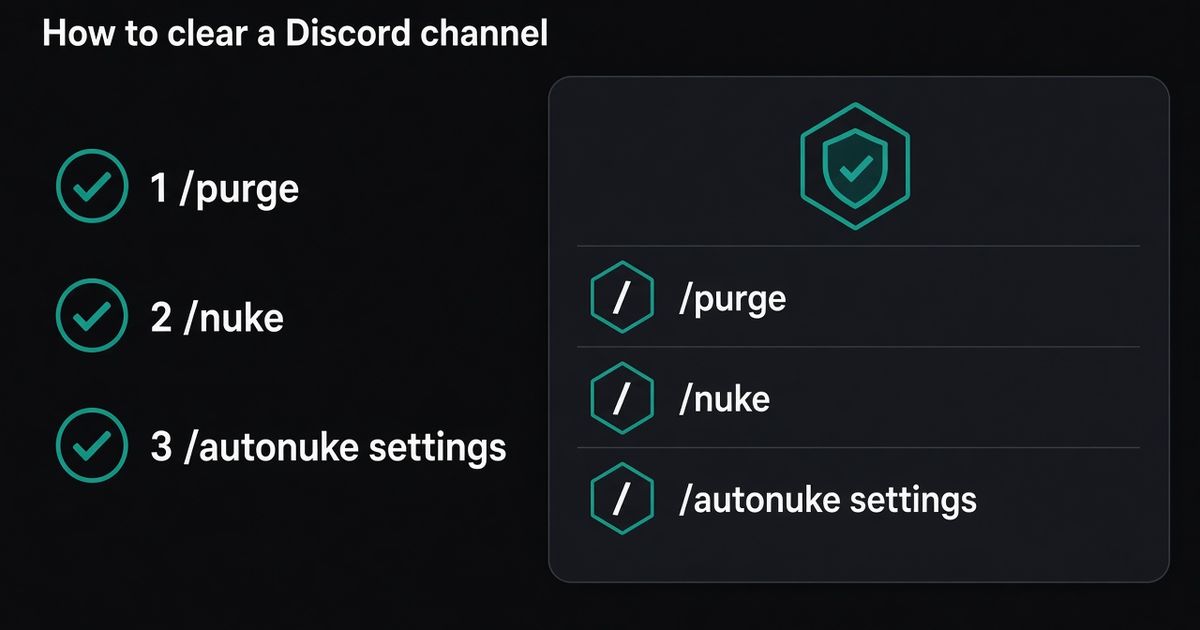
Stand in the channel you want empty. Invite BetterAntispam, then run /purge (Administrator) to delete messages in place, /nuke (Administrator) when you are willing to recreate the channel, or /autonuke settings (Administrator) to schedule that wipe. Leave limit off to take the current channel. Set limit from 1 to 1000 to cap one run. Discord has no Clear Channel button. I maintain this bot.
Editorial disclosure: This guide is published by BetterAntispam. We recommend BetterAntispam when you want purge, nuke, and scheduled autonuke on the same slash-command stack as antispam. Keep Dyno or Carl-bot if staff already live in that /purge. Keep cloning the channel by hand if you only need a one-off and you have checked the webhooks. Limits come from Discord’s API and the bot’s source.
How to clear a Discord channel with BetterAntispam
This is the first body section: the product, then the commands.
- Add BetterAntispam. You need Manage Server to invite it. Leave Manage Messages, Read Message History, and Manage Channels on the invite. Discord’s permissions FAQ is the official page for role vs channel overrides.
- Run
/setup(Administrator) and pick a log channel. The transcript of what you deleted lands there. You cannot generate that file after the fact. - Open the target channel. You need Administrator to run the cleanup commands. The bot also needs Manage Messages in that channel.
- Run
/purgeto keep the channel ID. Run/nukewhen you are ready to confirm a recycle. Run/autonuke settingswhen this room should empty itself on a timer. - If the history is large or many messages are older than 14 days, the bot asks you to confirm. Cancel if you are in the wrong channel.
Examples:
/purge
/purge limit:200
/nuke
/nuke limit:1000
/autonuke settings
Docs: documentation. Support: Discord server. /purge, /nuke, /unnuke, and the core of /autonuke settings are free. Shield raises the autonuke channel count and lets you schedule faster than 7 days, sold in the application store.
The longer 14-day essay is already written: How to Delete All Messages in a Discord Channel. The command-only /purge page is How to Use the Discord Purge Command. This page is the chooser.
Native Discord tools to try first
I will not pretend a bot is the first click.
| Native move | What it does | What it breaks |
|---|---|---|
| Shift + Delete | Skips the confirm on one message. Needs Manage Messages for other people’s posts | Nothing. It is slow |
| Clone Channel, then delete the original | Empty room with the same name and overwrites. Needs Manage Channels. Discord’s delete-channel page is the official warning | New channel ID. Webhooks, pins, bot settings, and old links die |
| Ban → Delete Message History | Up to 7 days of that one member. Discord’s cap | Only that person’s recent chat |
| AutoMod | Blocks the next dump | Does not empty what is already there |
Clone-and-delete is the advice Reddit repeats. I use it when nothing is wired to that channel. I do not use it on #logs, a ticket room, or anything with a webhook.
If the problem is people still posting, lock first. How to lock a Discord Channel and /lockdown (Administrator) stop new messages. Clearing history is a different job.
/purge — keep the channel
/purge (Administrator) deletes messages in the channel you are standing in. Optional limit is 1–1000. Leave it off to take the current channel.
The channel keeps its ID, permissions, webhooks, and position. That is why I default here.
The bot needs Manage Messages in that channel. If it does not, the reply is that it cannot delete. /purge and /nuke share the same engine. Use whichever name you remember.
When the sample looks large or stale, you get buttons: purge in place, recycle if the bot has Manage Channels, or cancel. The prompt waits 5 minutes.
A channel with years of history looks stuck. It is not. Discord’s bulk-delete endpoint refuses messages older than 14 days. Those go one at a time with rate-limit pacing. Recycle if you need speed more than the old ID.
/snipe (Manage Messages) can restore a recent delete. Free bulk restore is capped at 50. It is not an undelete for a thousand-message wipe.
/nuke — recycle when you mean it
/nuke (Administrator) is the same wipe with a recycle button on the full-channel path. Optional limit is 1–1000. A limit run only purges that many messages. It does not clone the channel.
A full /nuke with no limit samples the channel. If the bot can recycle here, you get purge slowly and recreate. Recreate deletes the channel and clones it. The new channel has a new ID.
I pick recycle when:
- The room is a meme dump with no webhook
- Most of the history is older than 14 days and I will not wait
- Staff already agreed the old ID can die
I do not pick recycle on a logging channel. Every bot still pointing at the old ID goes silent. /unnuke (Administrator) can roll back recent destructive changes from the audit log. It is not a time machine for a webhook you forgot to move. Recovery playbook: Discord Server Got Nuked.
/autonuke settings — schedule the wipe
/autonuke settings (Administrator) is the panel for recurring purges. It is not /nuke. Do not confuse the buttons.
On Overview, add a channel. On Channels, set the interval and the keep-limit. 0 means delete all. A number means keep that many newest messages. On Whitelist, add users (and roles) whose IDs the collector skips.
| Plan | Channels | Fastest interval |
|---|---|---|
| Free | 1 | 7 days |
| Shield | More channels, faster interval | Sold in Discord’s store |
The interval field accepts values like 7d, 2w, 1M. Free servers cannot go under 7 days. Ask for Shield if #counting needs a nightly wipe.
Scheduled runs still hit Discord’s 14-day rule. A backlog of old messages is paced across cycles so one timer does not sit for hours. Let it catch up. Do not stack three autonuke bots on the same channel.
Point /logging settings (Administrator) at a nukepurge log before the first scheduled run. The transcript is the only record.
Which command to run
| Job | Command | Keeps channel ID |
|---|---|---|
| Last 50 spam messages | /purge limit:50 | Yes |
| Empty this room, keep webhooks | /purge | Yes |
| Empty this room, old history, ID can die | /nuke → recreate | No |
| Same dump every week | /autonuke settings | Yes, unless a cycle recycles |
| Someone already deleted the channels | /unnuke | Restore path, not a clear |
Do not run /nuke because the name sounds stronger. It is the same delete with a recycle option. Do not run /autonuke settings on #announcements.
If the dump is a raid, pause invites and lock first. Playbook: How to Stop Discord Raids. Chat floods that keep coming are /antispam settings (Administrator). Guide: How to Stop Spam in Discord.
Add BetterAntispam if the commands are not in the slash menu yet. Core cleanup is free.
FAQ
How do I clear a Discord channel?
Invite BetterAntispam, stand in the channel, run /purge (Administrator). Use /nuke if you will confirm a recycle. Use /autonuke settings if it should repeat. Discord has no built-in clear button.
What is the difference between /purge and /nuke?
Same engine. Same limit 1–1000. /nuke without a limit can offer recreate. Recreate is a new channel ID. /purge is the name I tell people who want to keep webhooks.
What is /autonuke settings?
A scheduled purge panel. Free: one channel, minimum 7 days. Limit 0 deletes all. Whitelist skips listed author IDs. It is not anti-nuke. Anti-nuke watches staff abuse.
Why is clearing a Discord channel so slow?
Discord bulk-deletes only messages under 14 days old, in batches of up to 100. Older messages delete one at a time. Recycle if you need the room empty now and you accept a new ID.
Does Discord have a clear channel command?
No. You get one-at-a-time delete, clone-then-delete, or a bot. Userscripts on your account are self-bots. Discord can disable that account.
Can I undo a purge?
/snipe can restore recent deletes the bot still holds, free cap 50. /unnuke rebuilds from the audit log after destructive changes. Neither brings back a thousand-message wipe in full.
Is clearing a Discord channel free with BetterAntispam?
Yes for /purge, /nuke, /unnuke, and one autonuke channel on a 7-day timer. Shield is optional for extra autonuke channels and faster intervals.
Final verdict
Clear a Discord channel with /purge unless you have a reason to kill the ID. Use /nuke when recycle is the point. Use /autonuke settings for a room that should empty itself. Invite BetterAntispam. Run /setup so the transcript has a home. Do not clone #logs. Do not autonuke #rules.
— Adam
More guides
- How to Delete All Messages in a Discord Channel
- How to Use the Discord Purge Command
- Discord Server Got Nuked
- How to Lock a Discord Channel
- How to Stop Spam in Discord
- Best Discord Anti Nuke Bot in 2026
- Discord anti-nuke
- How to Stop Discord Raids
Sources
Core is free · Administrator
Ready to clear a Discord channel?
Invite BetterAntispam, then run /purge, /nuke, or /autonuke settings. The channel ID stays unless you confirm a recycle.