
5-Step Layered NSFW Filter Checklist for Discord Server Owners


A Discord NSFW filter is the combination of native tools and moderation bots that detect and block sexual or graphic content in your server. The recommended approach is layered: turn on Discord AutoMod and the Explicit Media Content Filter first, then add a moderation bot like Better Antispam for secondary scanning, mass-action response, and logging, which native settings alone do not provide.
TL;DR: - Built-in tools like AutoMod and media filters catch obvious NSFW content but are ineffective against videos, off-platform links, and subtle language evasion tactics. - A moderation bot, such as Better Antispam, is essential to scan links, react to spam floods, and log actions that native tools cannot handle efficiently. - Proper setup involves policy planning, high verification levels, testing filters with staff, and maintaining audit logs to reduce false positives and improve response accuracy. - Focus on strict permissions and data handling practices when deploying a bot, requesting only necessary message content access and documenting data use for review. - Regular review of filter performance and rule adjustments are vital since spam tactics and language evolve, ensuring the layered NSFW defense remains effective over time.
Table of Contents
- What Discord's native tools cover out of the box
- Why a moderation bot still matters for layered defense
- Step-by-step setup for a reliable NSFW filter
- What to do when a filter actually triggers
- Privileged intents and permissions: what to check before you deploy
- How Better Antispam fits into this layered setup
- What moderators get wrong about filter tuning
- Try Better Antispam for your server
- Sources
- FAQ
What Discord's native tools cover out of the box
Discord's built-in system gives you two main levers. AutoMod includes a Commonly Flagged Words list and lets you build custom keyword rules with wildcards, then choose whether a match gets blocked outright or just flagged in an alert channel, with exemptions for trusted roles or channels you configure yourself, according to Discord's AutoMod FAQ. The Explicit Media Content Filter works differently: it scans image-based media for sexual or graphic content and can blur or block it, but Discord notes the filter does not detect videos and can still miss content, which is why reporting misses matters.
Discord's own policy backs this up with a hard rule: sexually explicit content is only allowed in channels marked age-restricted (18+), and violating content must come down, with persistent offenders facing bans.
Where native tools fall short:
- Text-based innuendo and contextual language that dodges keyword lists
- Video content, since the media filter only processes images
- Link-based content hosted off-platform
- Centralized logs for appeals or pattern review across many channels
Why a moderation bot still matters for layered defense
Native filters catch the obvious cases. The gaps show up in link-based spam pointing to off-platform adult content, video files the media filter cannot scan, and phrasing that slips past keyword lists because it relies on context rather than a flagged word. None of Discord's built-in tools give you a running audit trail either, which matters when a member disputes a ban.
A moderation bot fills these gaps with a few concrete capabilities:
- Scanning shared links and blocking known adult-content domains before they post
- Reacting to a flood of NSFW posts with a channel lock or a mass silence
- Logging every automated action with a timestamp for later review
- Catching patterns across channels that a single AutoMod rule cannot see
Text scanning depends on the bot holding the privileged Message Content intent from Discord, without it, message content fields arrive empty for most messages, according to a Discord API developer discussion.
Pro Tip: Run your bot's link and image scanning in alert mode for a week before switching to auto-block, so you can see what it would have caught without risking false positives on real members.
Step-by-step setup for a reliable NSFW filter
Start with policy, not settings. Write down what counts as disallowed content in your server, decide which channels (if any) are age-gated for adult material, and set your server's verification level high enough to slow down throwaway accounts.
- Turn on AutoMod's Sexual Content wordlist, then add custom keywords and wildcards for terms specific to your community.
- Choose block or alert for each rule, and route alerts to a private moderation channel with exemptions for trusted staff roles.
- Enable the Explicit Media Content Filter and set it to scan media from all members, which Discord recommends for large or public servers.
- Install a moderation bot with only the permissions it needs, then configure its image and link scanning alongside mass-action rules for raids or spam waves.
- Set up a dedicated audit channel where the bot posts every automated action with a timestamp.
Once the basics are live, test before you trust the system:
- Have a staff member post borderline test content in a private channel to confirm rules trigger correctly.
- Review the audit log after a few days for false positives and adjust keyword lists or allowlists.
- Tell your moderators and members what changed, since a filter nobody understands generates confused appeals.
What to do when a filter actually triggers
The first move is usually the smallest: block or delete the offending content, then decide whether a warning, a timeout, or a ban fits the severity. A one-off borderline post from a longtime member calls for a different response than a new account dropping links to adult sites in five channels at once.
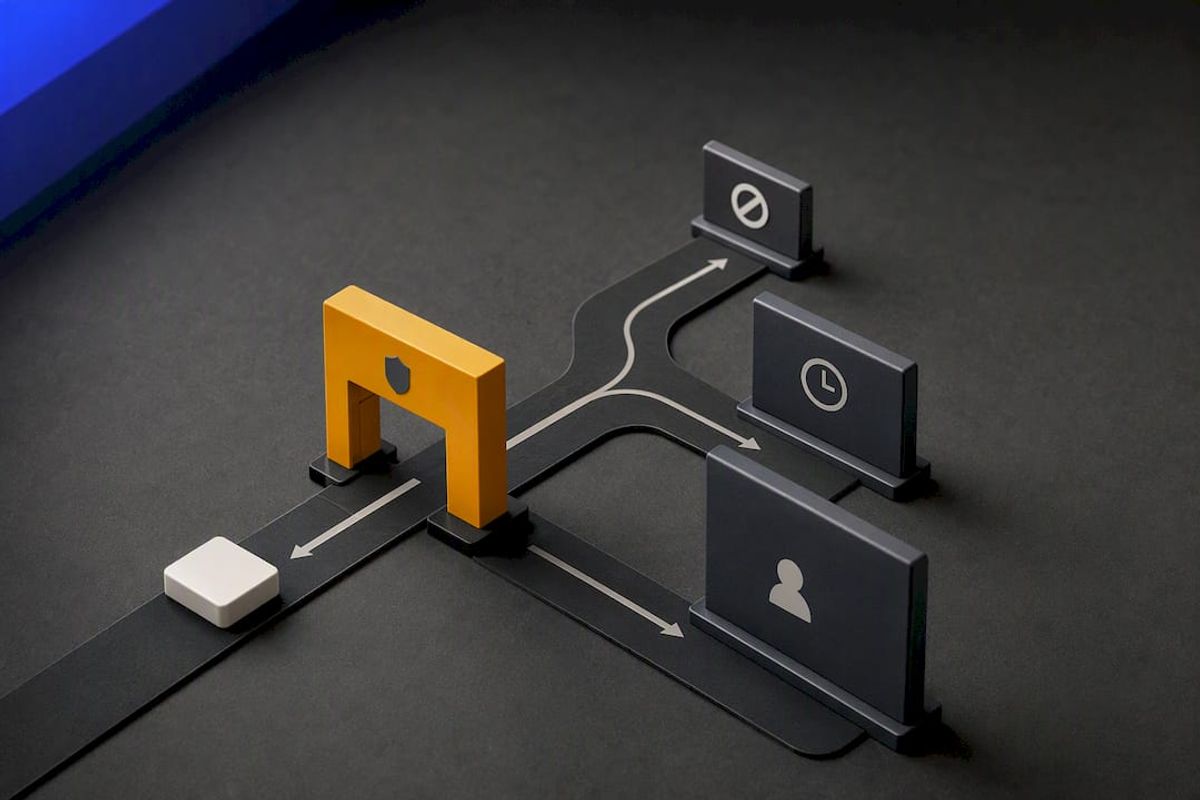
Escalation matters for the serious cases. Content involving child sexual abuse material or other severe violations needs to be reported to Discord and, where required, to law enforcement, not just deleted locally, per Discord's sexual content policy.
Good audit habits make every later decision easier:
- Log deleted messages and the rule that triggered removal, not just the action taken.
- Keep screenshots or bot-generated records as evidence for repeat offenders.
- Use a private moderation channel so staff have context when a banned member appeals.
A guide on deleting all messages in a channel walks through the cleanup step when a wave of violating content needs to come down fast.
Privileged intents and permissions: what to check before you deploy
Before requesting Message Content intent, ask whether Slash Commands and interactions can do the job instead, Discord points developers toward interactions over raw message reading wherever possible. Request the intent only when text scanning genuinely cannot happen another way.
A strong review submission spells out the exact use case, names precisely which intents are needed, and describes how message data is processed and discarded, ideally in memory rather than stored, backed by screenshots or a short recording of the feature working, according to Discord's Message Content Intent Review Policy.
Permission hygiene rules to follow:
- Never grant a moderation bot administrator access by default.
- Restrict permissions to exactly what each feature needs, nothing broader.
- Document what data the bot retains and for how long, in case members ask.
A bot that requests fewer permissions than it strictly needs is rare, most reviews fail on scope creep rather than missing justification, per Discord's own review guidance.
How Better Antispam fits into this layered setup
Better Antispam is built to sit on top of Discord's native filters, not replace your age-gating or AutoMod rules. It handles the parts native tools leave open:
- Automated detection aimed at spam, scams, and NSFW-adjacent link floods
- Real-time responses like silencing a spammer or locking a channel during a mass-join event
- Automatic channel clean-up after a raid or spam wave
- Logging so moderators can review what the bot did and why
Keep your policy and age-restricted channels configured in Discord first, then let the bot handle secondary scanning and the mass-action side. The product page and the raid response playbook cover setup details for servers testing this combination.
What moderators get wrong about filter tuning
Most servers set up AutoMod once and never touch it again, then wonder why obvious content slips through six months later. Language shifts, evasion tactics shift with it, and a keyword list from launch day rarely still matches how spammers phrase things now.
The fix isn't a smarter filter, it's a habit: review your audit logs monthly, keep a moderator playbook that explains why each rule exists, and never let a bot make the final call on a borderline case a human should weigh with context.
— Adam
Try Better Antispam for your server
Setting up layered NSFW defense by hand takes time most community managers don't have between AutoMod rules, media filter scope, and bot permissions. This type of bot automates the parts that eat that time, from real-time channel locks during a spam wave to automatic clean-up once the threat passes.
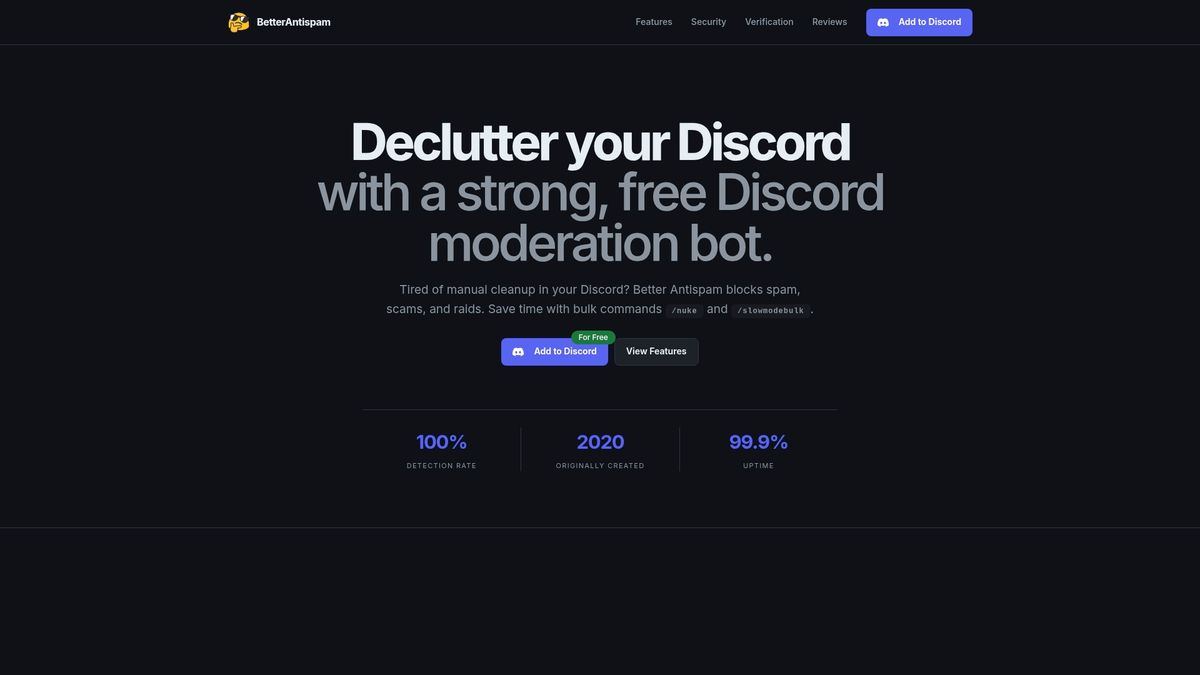
- Automated NSFW-adjacent link and spam detection running alongside native Discord AutoMod rules
- Mass-action responses like silencing or locking channels during raid events
- Logging designed to support moderator review and member appeals
Visit the Better Antispam product page to see setup details and get the bot running in your server.
Sources
- Sexual content policy explainer — Discord
- Discord sensitive content filters — Support
- Message Content intent review policy — Discord developer support
FAQ
What counts as NSFW content under Discord's rules?
Discord defines sexually explicit or graphic content as material that must be posted only in channels marked age-restricted (18+). Content outside those channels violates policy and is subject to removal, with repeat violations leading to bans according to Discord's policy explainer.
Does Discord's media filter scan videos?
No, Discord's Explicit Media Content Filter processes image-based media only, and does not detect video content according to Discord's own support documentation. This is a key reason servers add a moderation bot for broader coverage.
Do I need Message Content intent for a moderation bot?
You need it only if your bot must read and scan text content that Slash Commands and interactions cannot handle another way. If you do need it, Discord requires an intent review explaining your exact use case and data handling practices, detailed in its review policy.
How does Better Antispam help with NSFW prevention?
Better Antispam adds secondary scanning and mass-action responses like channel locks and silencing on top of Discord's native AutoMod and media filters, along with logging for moderator review. It is designed to complement your Discord policy settings rather than replace them, as described on the Better Antispam product page.
What should I do if a filter misses explicit content?
Delete or block the content immediately and log the incident in your moderation audit channel, then consider whether keyword lists or scan scope need adjusting. For severe cases, such as child sexual abuse material, report directly to Discord rather than relying on local moderation alone, per Discord's policy guidance.





















































